

More importantly, do you want me to tell you how I do what I am going to do, so you can do it too, or should I just let the crack squirrels that live in my head run wild, and stop trying to give you tips?
More importantly, do you want me to tell you how I do what I am going to do, so you can do it too, or should I just let the crack squirrels that live in my head run wild, and stop trying to give you tips?

Yes, you can learn to do something like this… with any photo you already have… for free… with only a few, simple mouse-clicks.
But, since nobody seems interested, I am ending this series. The answers are all down there, in the rest of the posts I already did. And I will gladly answer any questions you have. But for now, since I already got some more Escher prints, I am just going to do a bunch of posts where I do weird stuff to those.
And then, I am going to start working on the cover art for my newest novel… one step at a time, and post each part.
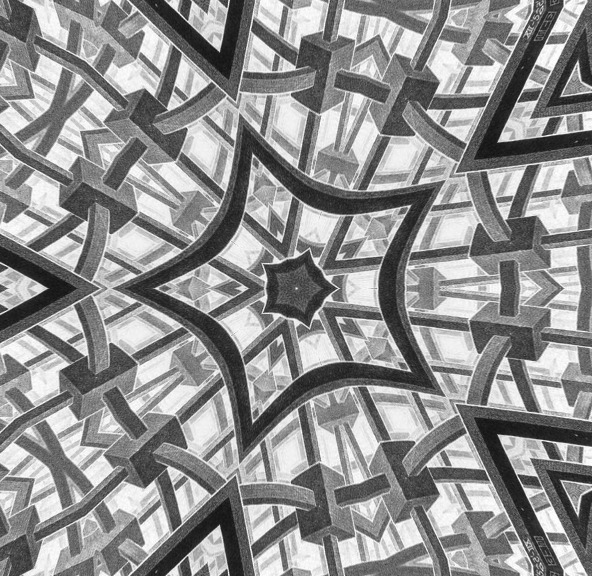
Want to know how I made that… from this…
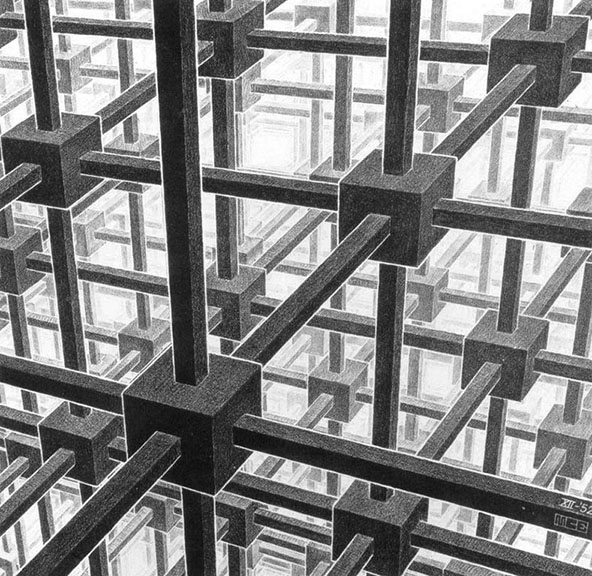
Read the rest of the posts below.
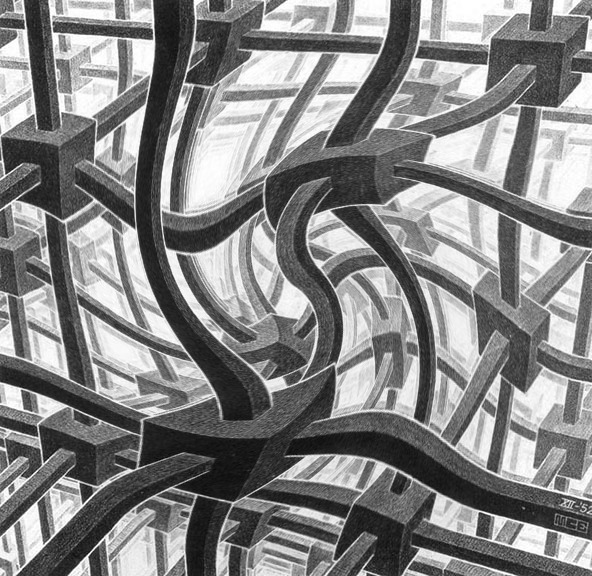
If you are wondering what that is, or how I did it…. then you haven’t read the whole series of posts… in order… but you could do it too.
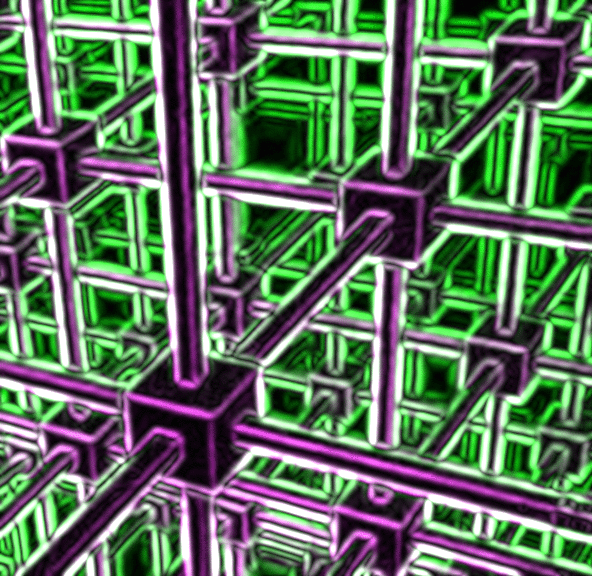
Well, what the heck is that, and how can I do stuff like that for my blog?, I hear you all asking.
Step one: Read the posts in this series in order.
Step two: Use an Escher print instead of a photo.
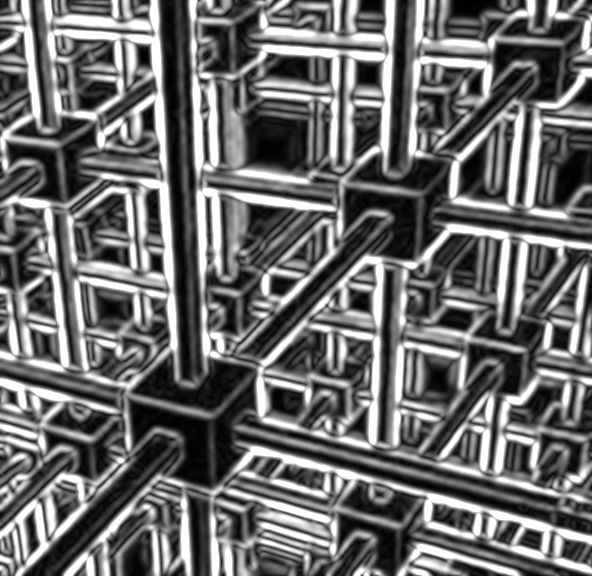
Step three: Go to that place I told you about in an earlier post, and do some of the stuff I suggested.

I did all of these by playing with the ‘Filter’ menu… sometimes I did combinations, like adding color… which you can also do in the same menu… and then doing one of the filter options.

But it was all fun… and free… and took no time.
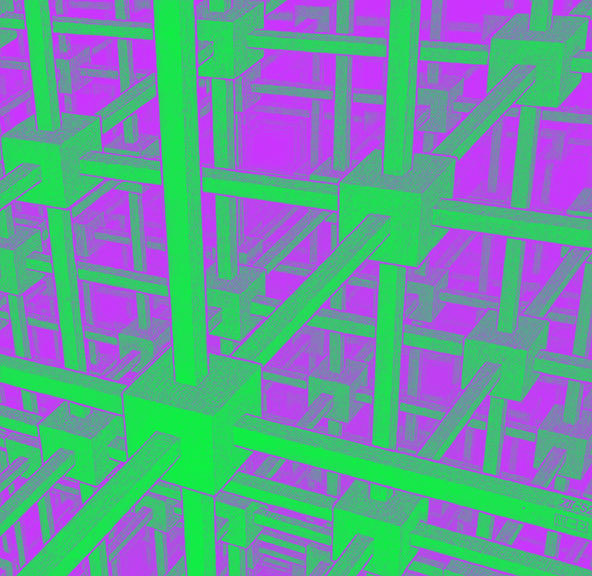
It didn’t even require any real creativity.
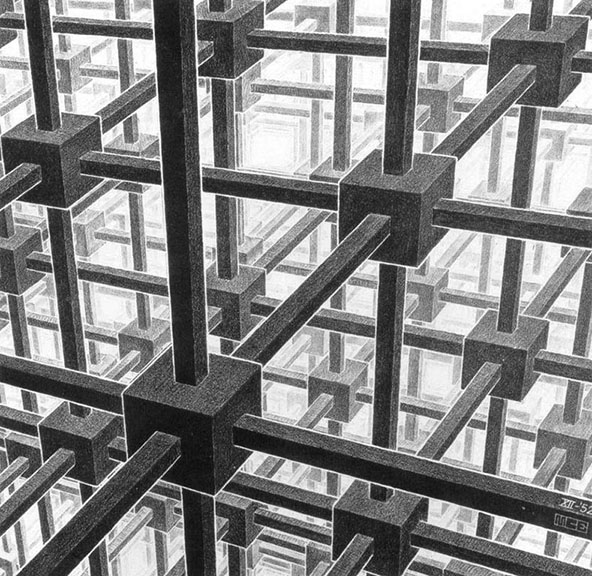
It all started out looking like that right there, and now it doesn’t anymore. And next, we will play with some of the other menus, just to see what happens with this simple drawing when we do.
And yes, you can find Escher prints just by going to Google Images.

Okay, if you have been reading these posts in order, you should by now be able to turn any photo into an Obama-style poster like this one. The only thing you have to do that is different from the last post, is that you should open the ‘Effects’ menu, instead of the ‘Filter’ menu, once you open your photo in Lunapic.com
The ‘effect’ menu will let you do a bunch of stuff to change a picture like that, into stuff like this…
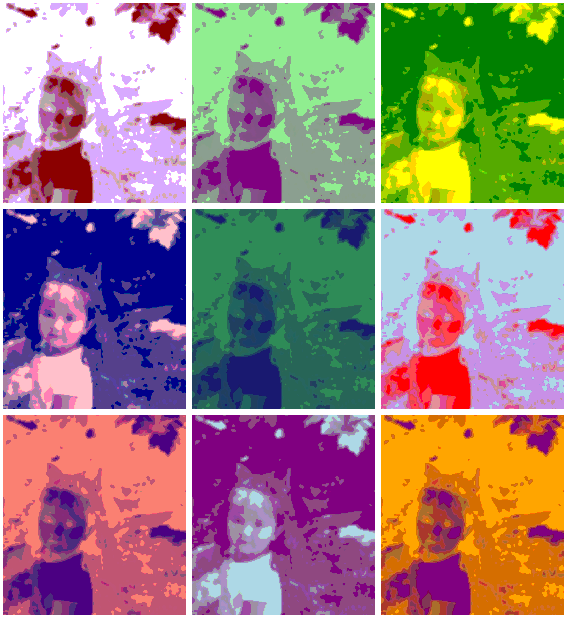
I won’t even tell you the name of each of these effects. Just put a photo in there, and start playing around. Remember, you can undo any change you make, by clicking the blue ‘undo’ words above your latest experiment.
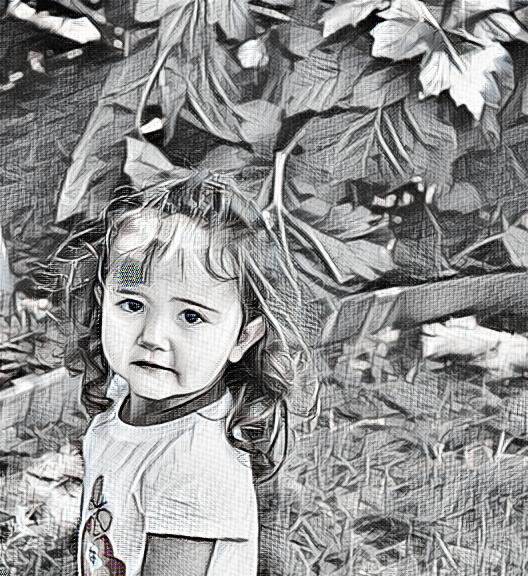
Hey, I am just trying to help make your blog more interesting… not that it isn’t already interesting.
Next, we will try some more fun stuff with some Escher pictures… oh yeah.
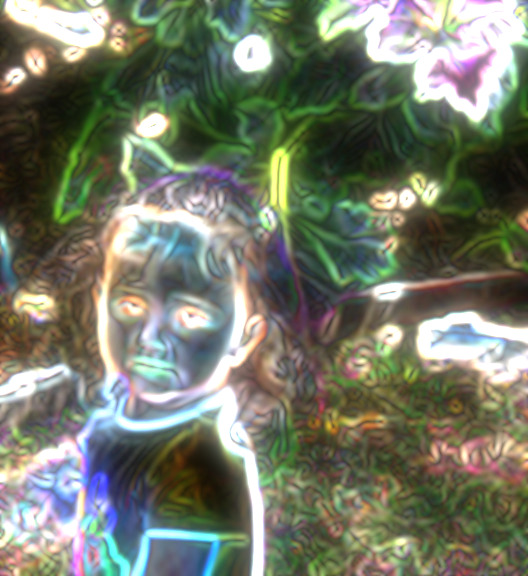
I know, right? You want to be able to take your photos and do that to them. And I am going to tell you how… and where… you can do it. It is totally free, and almost embarrassingly easy. Just get on the interwebs, and, in the search bar thing, type in: Lunapic.com. I think it will add the www stuff all by itself. Then, when you get to Lunapic, use the big ‘Browse’ button… located in the big photo, over to the right, to open any photo you want to use. (Remember, it does work better if the photo isn’t too large of a file)… Now that picture up there, I actually had to use two steps to achieve.
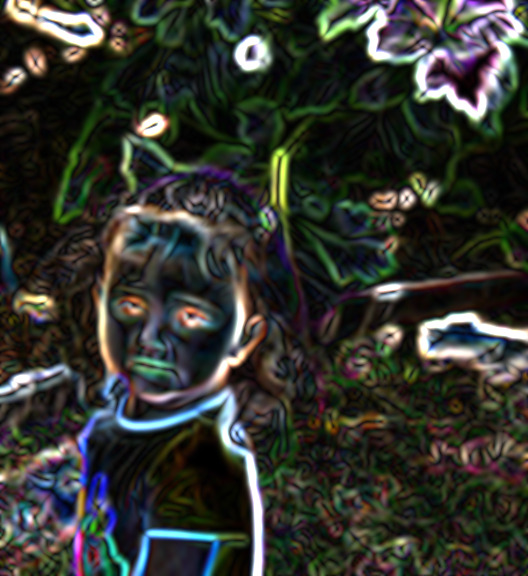
Here is the first version I did. It is under the ‘Filters’ menu, and it is called: ‘Neon’. After I used the neon filter on the photo, I noticed that there was an option, above the picture, to ‘maker it glow’. So I did.

There is the ‘Thermal Flair’ filter. That one came out pretty nice. Not each kind of picture will look awesome with every kind of filter.

The ‘Negative’ filter made Olivia look kind of creepy. So just play around with the filters, and when you like the way a picture turns out, hit the blue word ‘save’ under the photo, and it will let you save the picture.
But this isn’t all you can do. Not only are there filters, but there are other magical changes you can make to photos, and we will play with those in the next post.
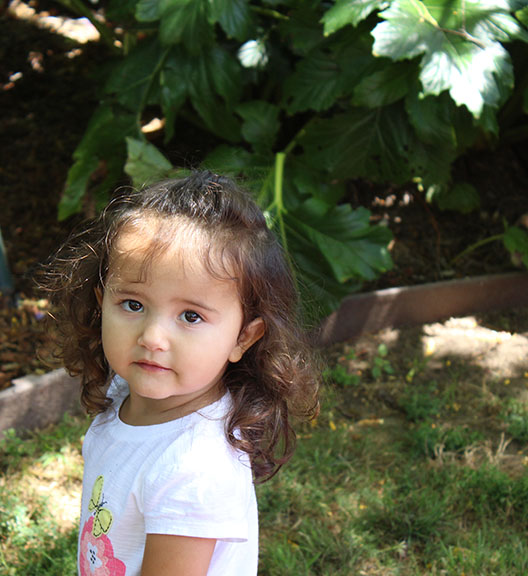
Over the next day or two… or longer, if the crack squirrels that live in my head decide it should be so… we are going to have some fun with filters. I know, everybody says I have no filters. But you probably do. And if you don’t, I can tell you where to get some… for free… and they are easy to use, and will make your blog art pop.
Also, I will tell you, step-by-step, how to do all this stuff.
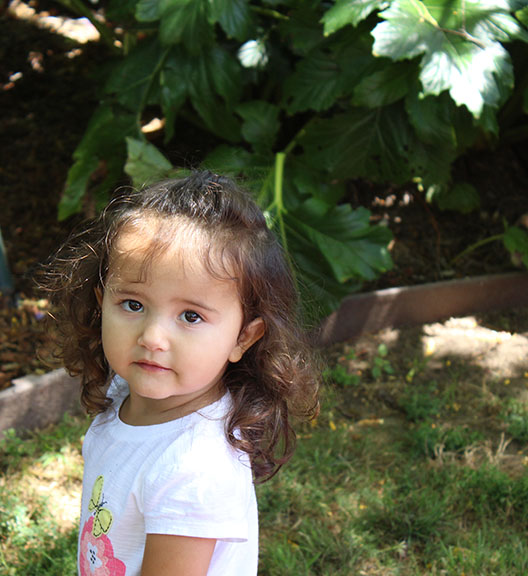
To begin with, I am using a picture of the little girl I babysit. Yes, it is my buddy, Olivia, the daughter of some friends of ours. And yes, I supplement my meager income from a part-time job as an apartment manager by doing some babysitting. I even undercut my competition… teenage girls… by charging only ten dollars an hour, which, I think, is below the actual minimum wage. Hey, don’t judge me, selling my books isn’t making me rich.
I chose this photo, left over from my daughter’s high school graduation party the other day, because it is just a normal photo of a cute kid. I didn’t do anything special with it, except to save it at 72 DPI and eight inches tall. Don’t worry about any of that if you don’t know how to resize an image, but the stuff I am going to teach you works better if the picture isn’t a huge file, that’s all I’m saying.
Okay, get ready for some fun.
See you soon.
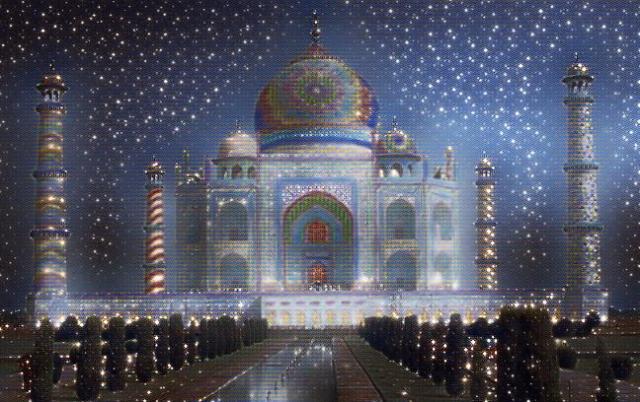
Oh, don’t worry, we are going to do more of these amazing ‘filter’ posts…
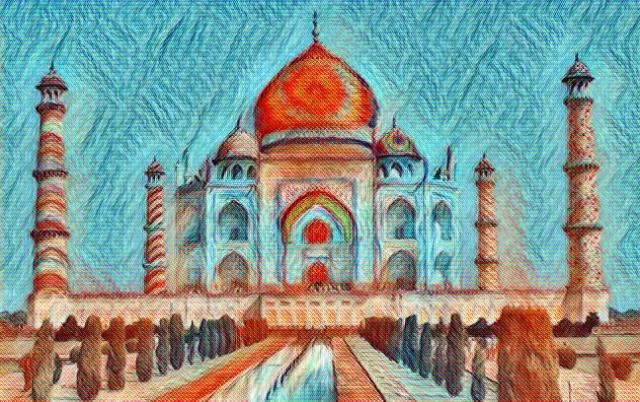
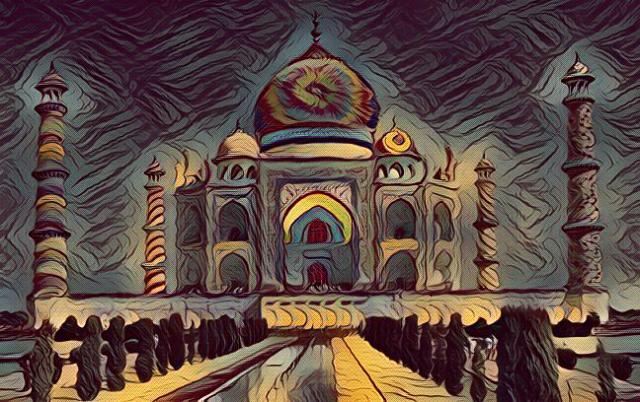
But, instead of a photo of the Taj Mahal, which I just added some funny colors to, we are going to use some different pictures.
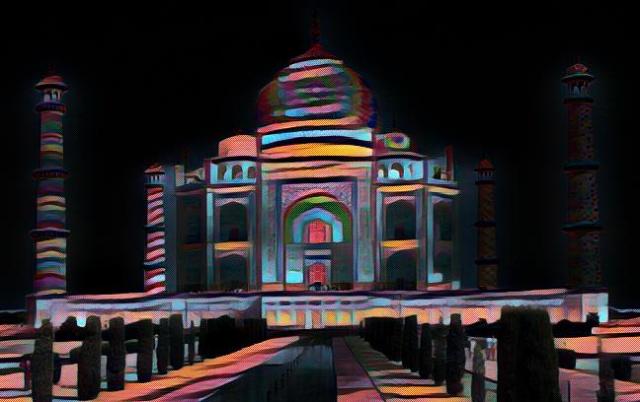
I am planning on using the picture of me in sunglasses that you see around here a lot, a photo of the little girl, Olivia, that I babysit, and I am going to take some Escher prints, add color, and then run them through some filters too.
Maybe I will do the whole thing as a step-by-step, how-to series. What do you think about that?
Because this is an interactive blog, and I care what you think…
On the other hand, I have crack squirrels living in my head, so I am going to do what they tell me to do regardless…
This will go much faster if I do multiple pictures in each post.

I mean, you should still look at all of them… and read all the words…

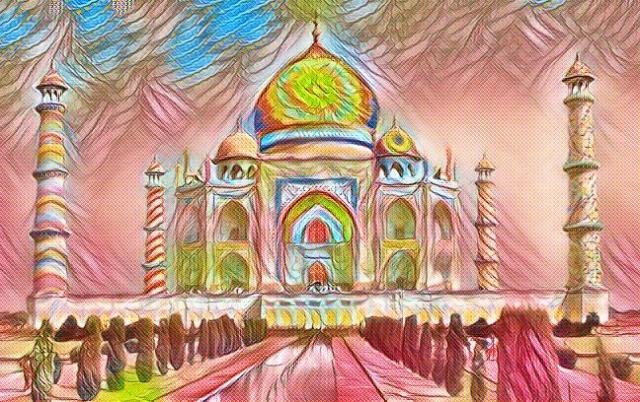
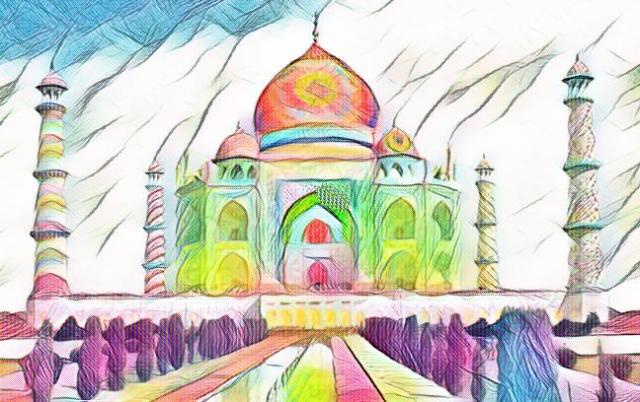
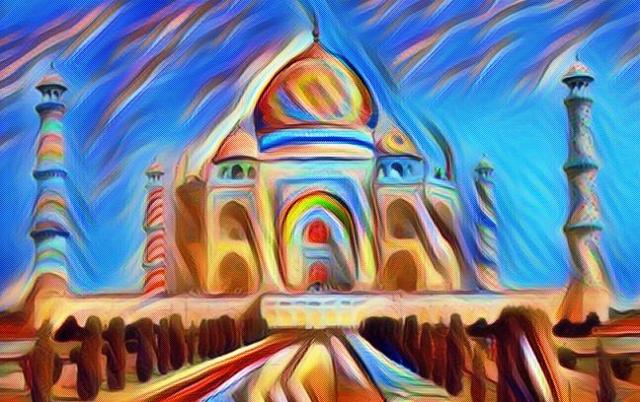
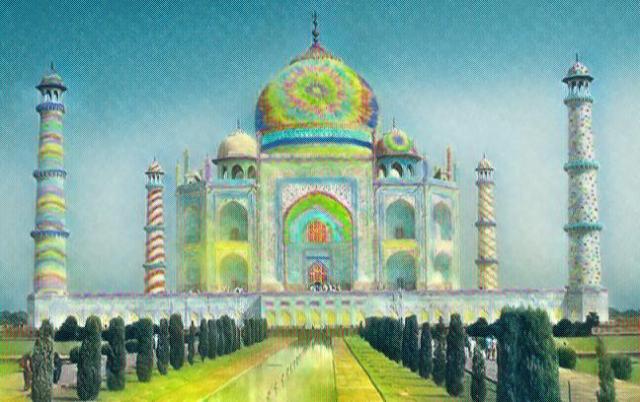
Yes, these are all the same photo of the Taj Mahal… but I did go to the trouble of coloring the photo in… because the place needed a little color.
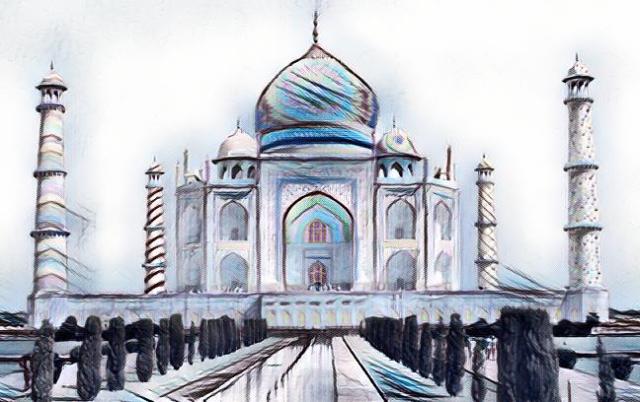
So I added some stripes and polka-dots and even some tie-dye.
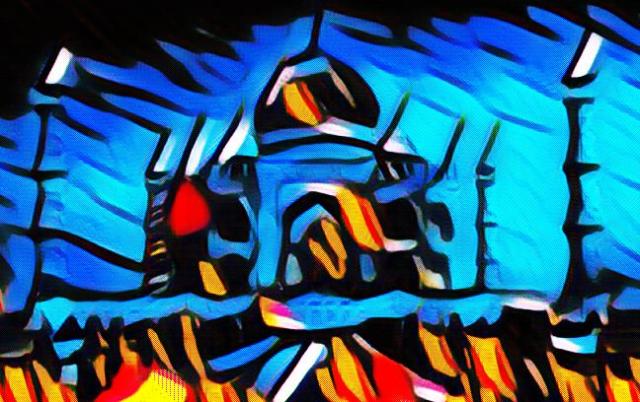
But then I put the picture through some filters in a program I know about… which is free, and easy to use, if you want to know about that sort of thing, so you can do this stuff yourself.
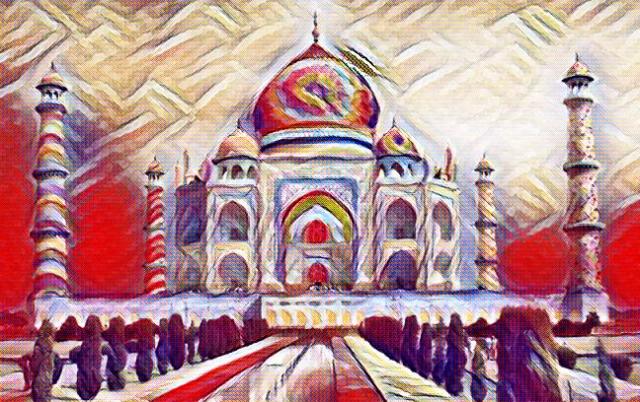
This is some serious multi-media stuff here, people.

And you can do this to your own photos… well… the coloring in the buildings did take a while, but you can skip that part.
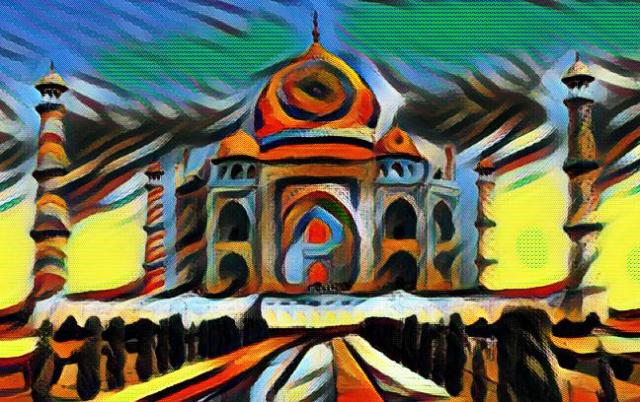
Unless you have crack squirrels living inside your head too…
Then by all means, knock yourself out.

Hit this button!
Click it! Just do it!

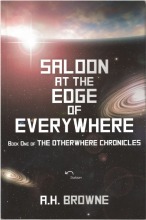
Click to go to book page with links
A book for kids... Click to go to book page with links
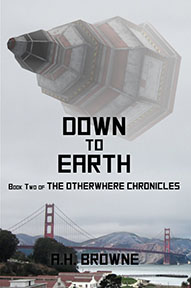
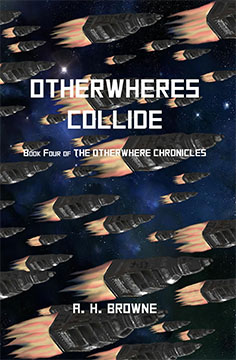
Otherwheres Collide-my newest book
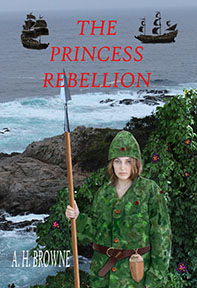
My latest novel
Pouring My Art Out by Arthur H. Browne is licensed under a Creative Commons Attribution-NonCommercial-NoDerivs 3.0 Unported License.Based on a work at https://pouringmyartout.wordpress.com/.

This work is licensed under a Creative Commons Attribution 3.0 Unported License.

