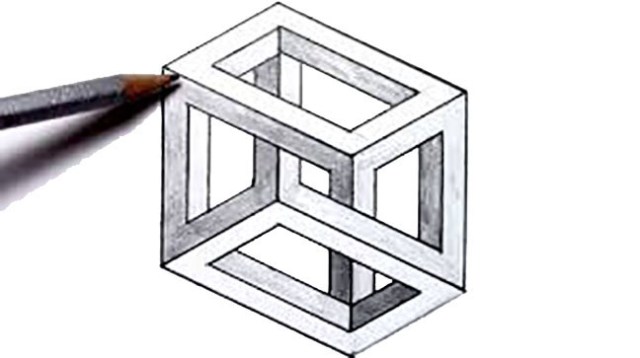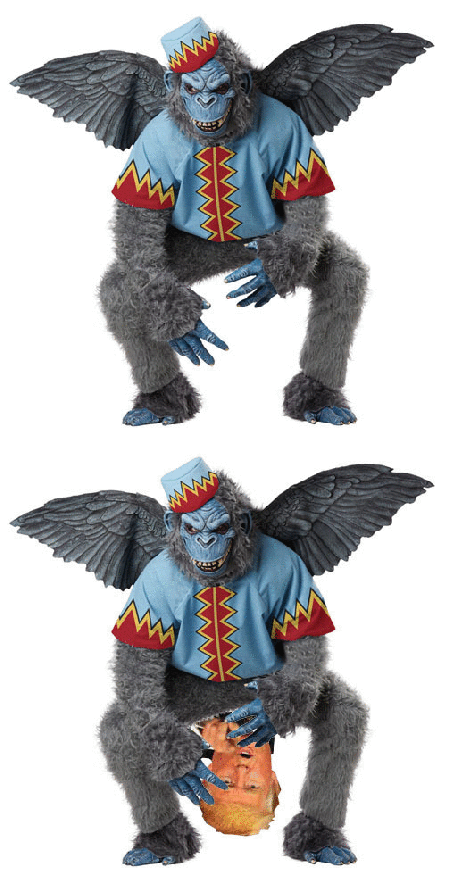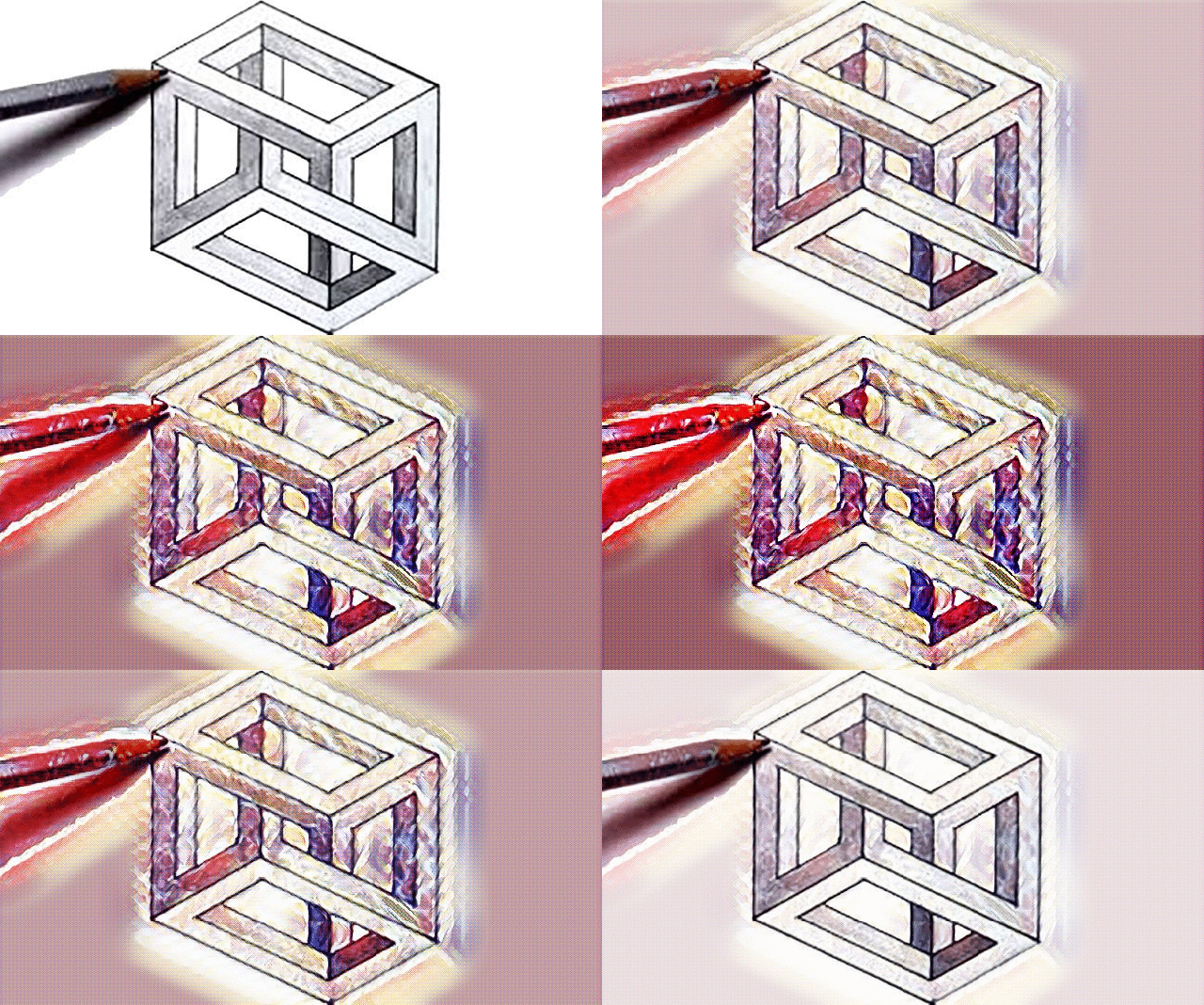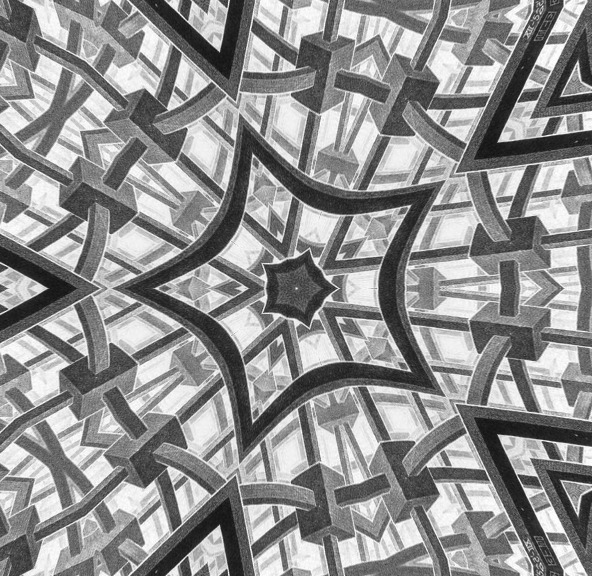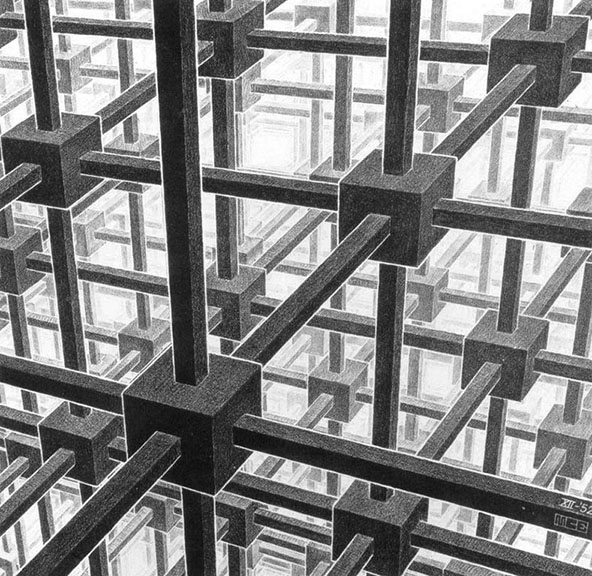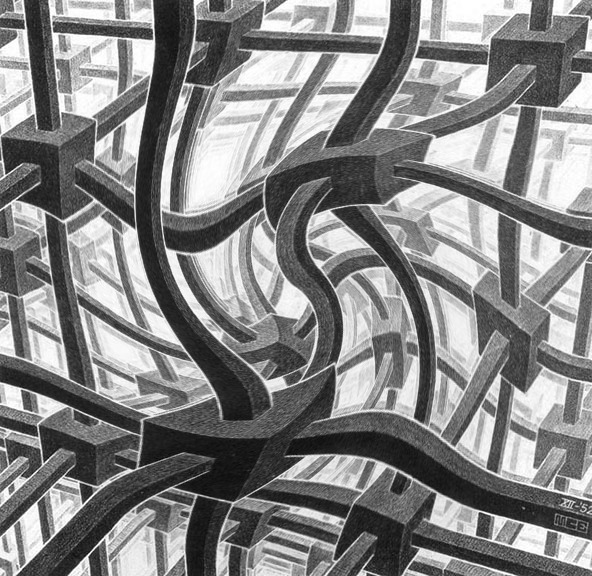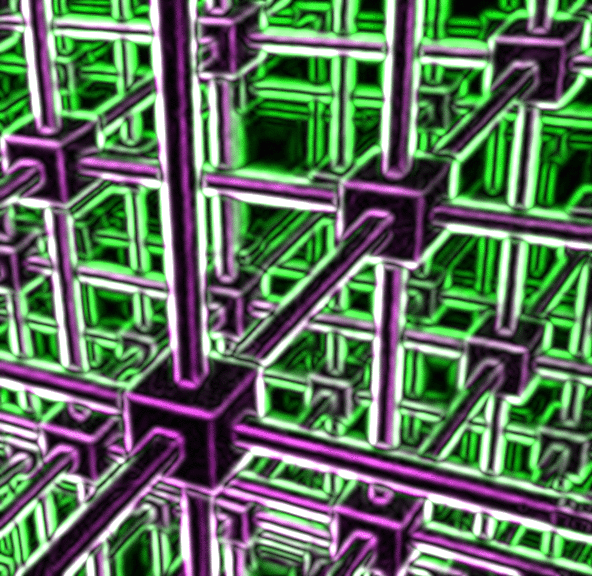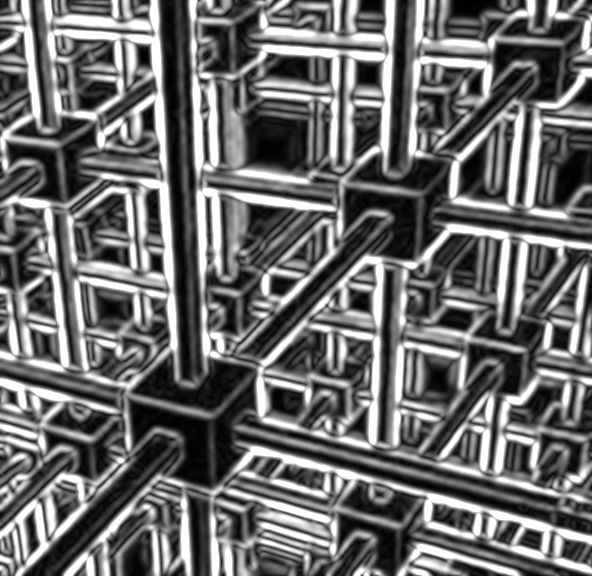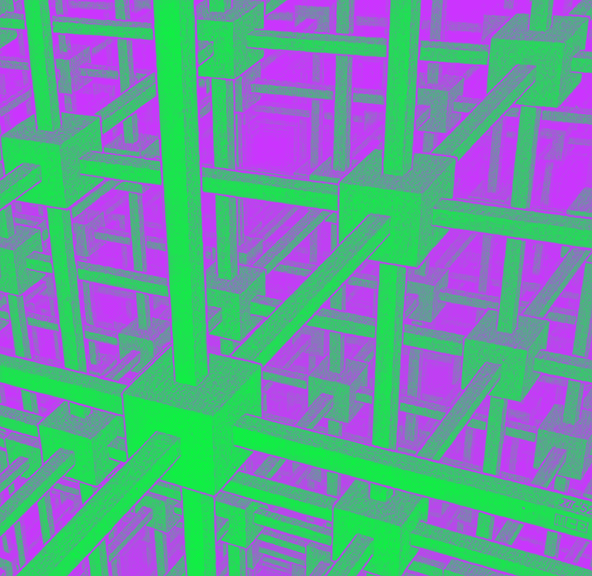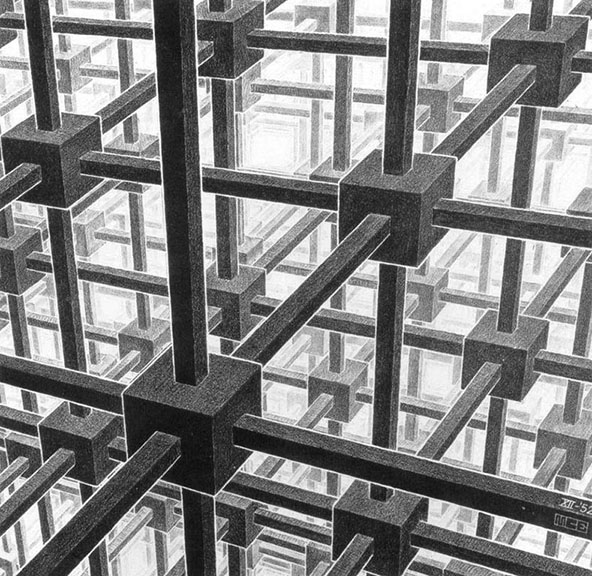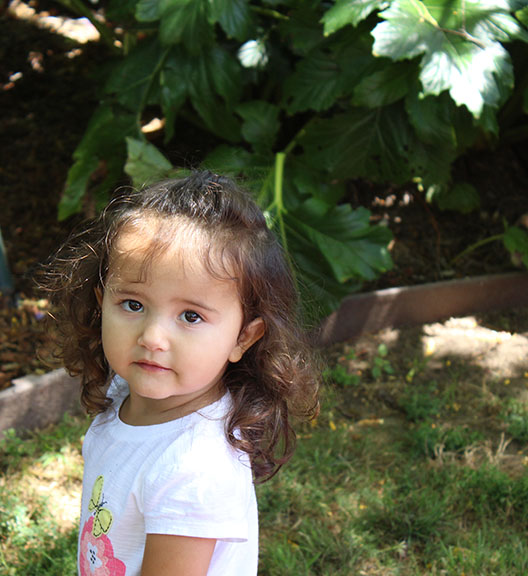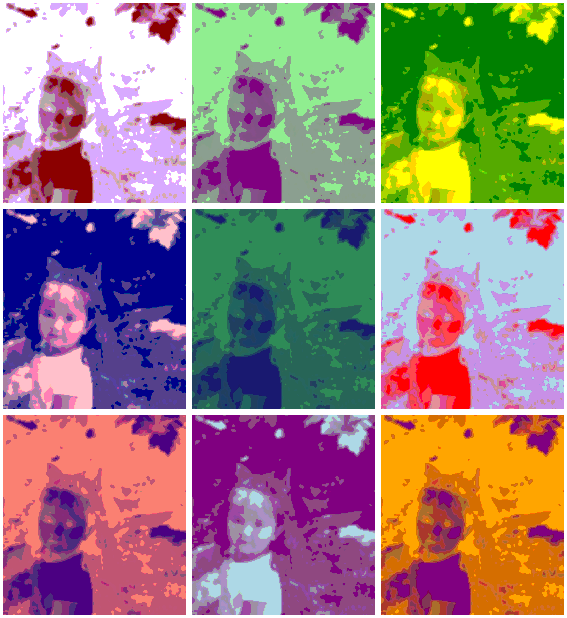
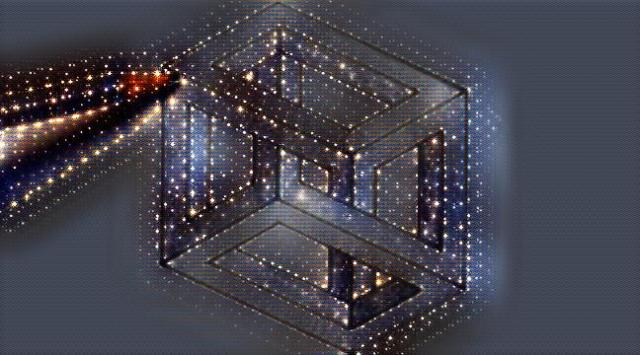
“Uh oh, what is Arthur going to do with that Escher drawing?”, I can hear you all asking yourselves… part 3…

imageedit_4_2831435248

Well, if I can make that up there, and this down here…

imageedit_1_5849186703

Both, just using this, uncolored Escher drawing…

a 1

And also using a free internet site and just a couple mouse-clicks, then imagine what you could do with your own photos or artwork… oooohhhh… now what happens if I add some color the original picture… hold on… I will be back soon.

And yes, I can tell you how you can do this stuff, if you just ask.

Posted in Everything Else | Tagged , , , , , , | Leave a comment

When there is a witch hunt, there is only one place a witch can hide…

c 11

You are going to need a big jar of lube, Mr. President.

Posted in funny famous people pictures, My art, my weird moving pictures | Tagged , , , , , , , , , | 4 Comments

“Uh oh, what is Arthur going to do with that Escher drawing?”, I can hear you all asking yourselves… part 2…

imageedit_2_9165999885

Well, maybe I am going to do that to it, for a start. HA!

Posted in My art, my weird moving pictures | Tagged , , , , , , | Leave a comment

“Uh oh, what is Arthur going to do with that Escher drawing?”, I can hear you all asking yourselves… part 1…

a 1

More importantly, do you want me to tell you how I do what I am going to do, so you can do it too, or should I just let the crack squirrels that live in my head run wild, and stop trying to give you tips?

Posted in Everything Else | Tagged , , , , , , , | Leave a comment

Fun with filters, a how-to guide… the final chapter… (and you should really read these in order)…

imageedit_2_8075370606

Yes, you can learn to do something like this… with any photo you already have… for free… with only a few, simple mouse-clicks.

But, since nobody seems interested, I am ending this series. The answers are all down there, in the rest of the posts I already did. And I will gladly answer any questions you have. But for now, since I already got some more Escher prints, I am just going to do a bunch of posts where I do weird stuff to those.

And then, I am going to start working on the cover art for my newest novel… one step at a time, and post each part.

Posted in My art | Tagged , , , | Leave a comment

Fun with filters, a how-to guide… part 6… (and you should really read these in order)…

imageedit_2_8978396229

Want to know how I made that… from this…

a 1

Read the rest of the posts below.

Posted in My art | Tagged , | Leave a comment

Fun with filters, a how-to guide… part 5… (and you should really read these in order)…

imageedit_5_9914264969

If you are wondering what that is, or how I did it…. then you haven’t read the whole series of posts… in order… but you could do it too.

Posted in My art | Tagged , , , , , | Leave a comment

Fun with filters, a how-to guide… part 4… (and you should really read these in order)…

imageedit_3_8028442155

Well, what the heck is that, and how can I do stuff like that for my blog?, I hear you all asking.

Step one: Read the posts in this series in order.

Step two: Use an Escher print instead of a photo.

imageedit_1_4484823957

Step three: Go to that place I told you about in an earlier post, and do some of the stuff I suggested.

imageedit_1_8600917268

I did all of these by playing with the ‘Filter’ menu… sometimes I did combinations, like adding color… which you can also do in the same menu… and then doing one of the filter options.

imageedit_2_8729541908

But it was all fun… and free… and took no time.

imageedit_4_6310944717

It didn’t even require any real creativity.

a 1

It all started out looking like that right there, and now it doesn’t anymore. And next, we will play with some of the other menus, just to see what happens with this simple drawing when we do.

And yes, you can find Escher prints just by going to Google Images.

Posted in My art | Tagged , , , , , , , , , | 5 Comments

Fun with filters, a how-to guide… part 3… (and you should really read these in order)…

imageedit_6_7659452661

Okay, if you have been reading these posts in order, you should by now be able to turn any photo into an Obama-style poster like this one. The only thing you have to do that is different from the last post, is that you should open the ‘Effects’ menu, instead of the ‘Filter’ menu, once you open your photo in Lunapic.com

a 1

The ‘effect’ menu will let you do a bunch of stuff to change a picture like that, into stuff like this…

imageedit_3_9414263658

I won’t even tell you the name of each of these effects. Just put a photo in there, and start playing around. Remember, you can undo any change you make, by clicking the blue ‘undo’ words above your latest experiment.

imageedit_10_7045323085

Hey, I am just trying to help make your blog more interesting… not that it isn’t already interesting.

Next, we will try some more fun stuff with some Escher pictures… oh yeah.

Posted in My art | Tagged , , , , , , , | 3 Comments

Fun with filters, a how-to guide… part 2… (and you should really read these in order)…

imageedit_4_5080982886

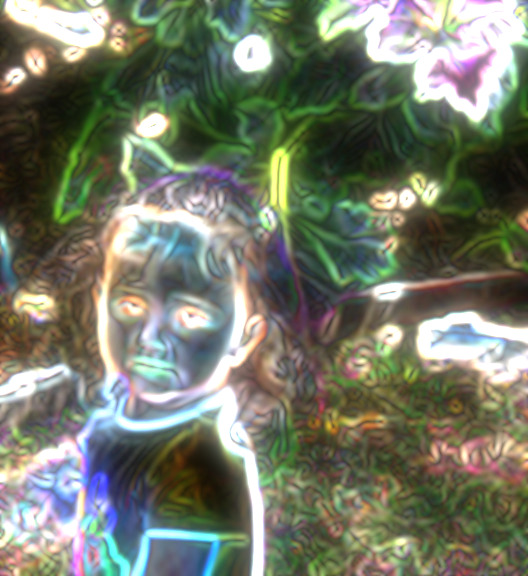
I know, right? You want to be able to take your photos and do that to them. And I am going to tell you how… and where… you can do it. It is totally free, and almost embarrassingly easy. Just get on the interwebs, and, in the search bar thing, type in: Lunapic.com. I think it will add the www stuff all by itself. Then, when you get to Lunapic, use the big ‘Browse’ button… located in the big photo, over to the right, to open any photo you want to use. (Remember, it does work better if the photo isn’t too large of a file)… Now that picture up there, I actually had to use two steps to achieve.
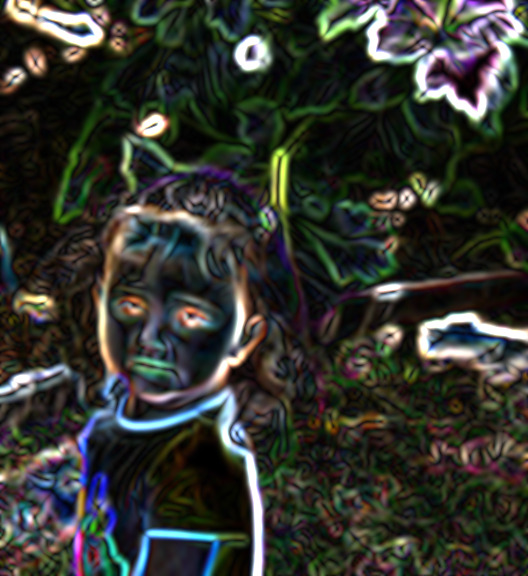
imageedit_3_9947063889

Here is the first version I did. It is under the ‘Filters’ menu, and it is called: ‘Neon’. After I used the neon filter on the photo, I noticed that there was an option, above the picture, to ‘maker it glow’. So I did.

imageedit_3_2248906284

There is the ‘Thermal Flair’ filter. That one came out pretty nice. Not each kind of picture will look awesome with every kind of filter.

imageedit_2_5289711311

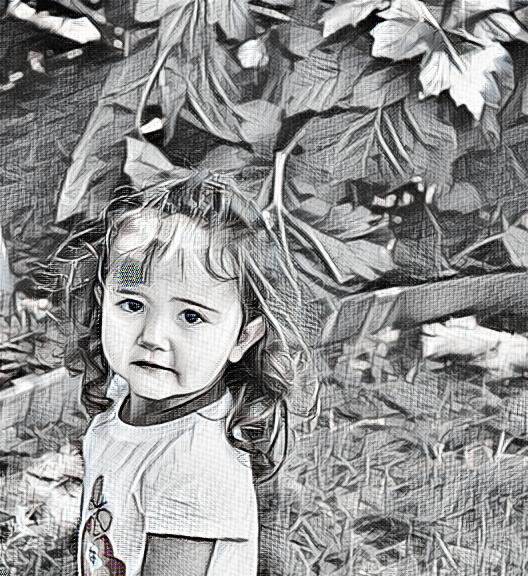
The ‘Negative’ filter made Olivia look kind of creepy. So just play around with the filters, and when you like the way a picture turns out, hit the blue word ‘save’ under the photo, and it will let you save the picture.

But this isn’t all you can do. Not only are there filters, but there are other magical changes you can make to photos, and we will play with those in the next post.

Posted in My art, stuff about blogging | Tagged , , , , , , , , | Leave a comment