
No, this is not another tribute to Twindaddy. This is going to be more along the lines of a tutorial for the filter menus in Photoshop. The irony is that in real life, I am often told that I have no filters. Photoshop does not have this problem. It has filters galore!
Since the storm trooper is a nice, clean, simple image with no real color, we are just going to got through the menu options in one drop down menu under the filter heading and try each one. Just for the fun of it. Here is the original image you have all come to know and love…
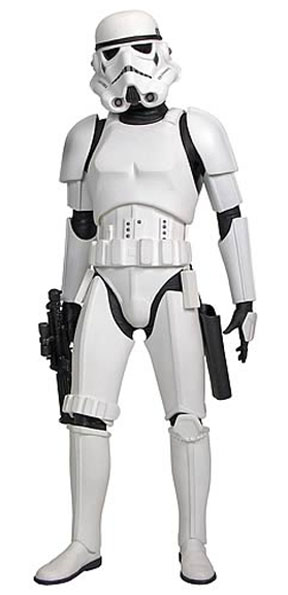 Now I give you the ’emboss’ option…
 ‘extrude’…
 ‘glowing edges’…
 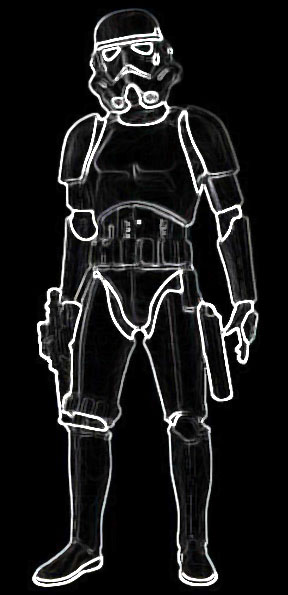 ‘trace contour’…
  ‘diffuse’…
 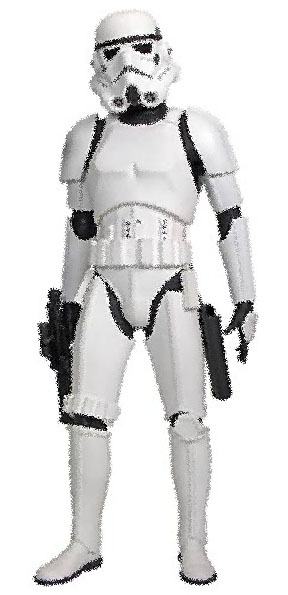 ‘find edges’…
 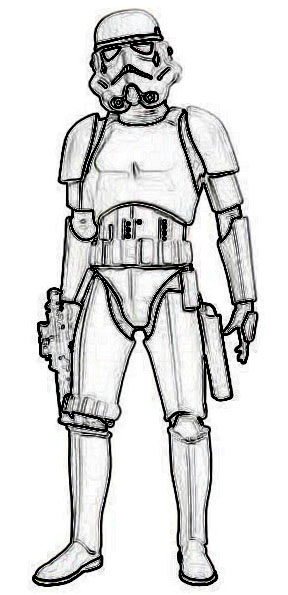 ‘solarize’…
  and ‘wind’…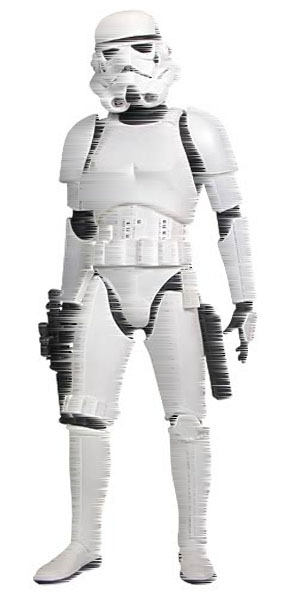
These are just the options in one drop down menu, the ‘stylize’ menu, under the ‘filters’ menu. I didn’t play with any of the settings on each option, or select multiple parts of the picture, or combine any of the effects, or use colors, or anything else creative. This is just the most basic stuff.
And all of these can be combined multiple times with lots of other main menus that have drop down menus with multiple options, which can be combined together.
Is this just crazy or what?






 Pouring My Art Out
This sounds like a fun toy, right up your alley!
I have an alley???
I like the extrude option
I bet you do…
lol
I like the word ‘extrude’… I used it in my first novel.
so it’s really a word then?
It means to… uh… stick out… or extend… but in the way that playdoh squeezes out of those shaped holes when you force it through….
uh huh
Look it up… then you will know something you can forget when you get old.
okay, what was i looking up i forget?
extrude
right