
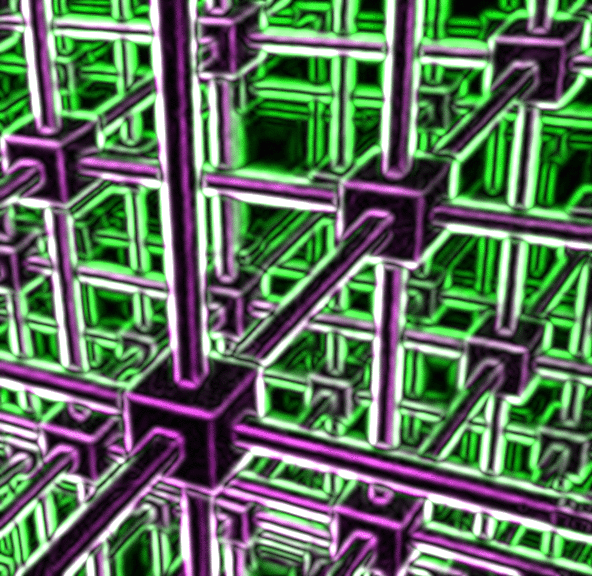
Well, what the heck is that, and how can I do stuff like that for my blog?, I hear you all asking.
Step one: Read the posts in this series in order.
Step two: Use an Escher print instead of a photo.
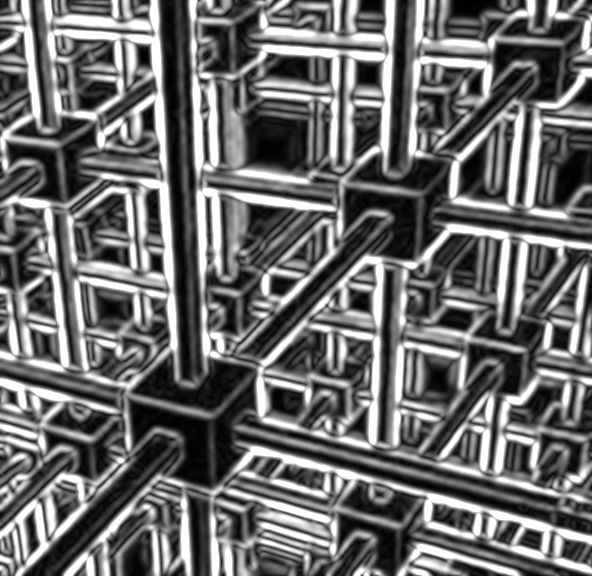
Step three: Go to that place I told you about in an earlier post, and do some of the stuff I suggested.

I did all of these by playing with the ‘Filter’ menu… sometimes I did combinations, like adding color… which you can also do in the same menu… and then doing one of the filter options.

But it was all fun… and free… and took no time.
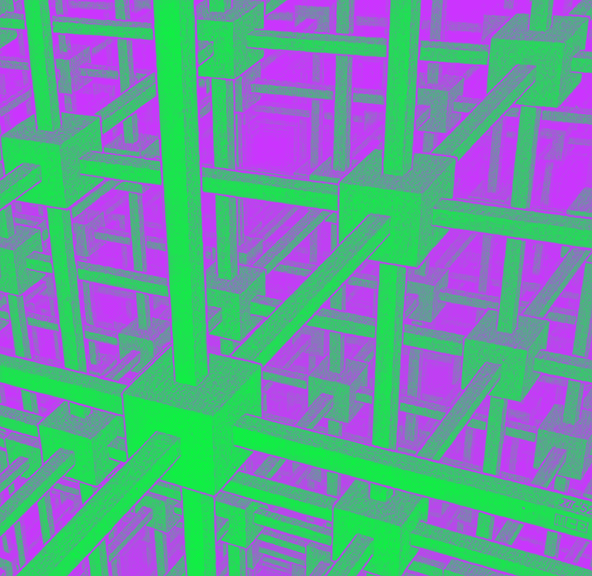
It didn’t even require any real creativity.
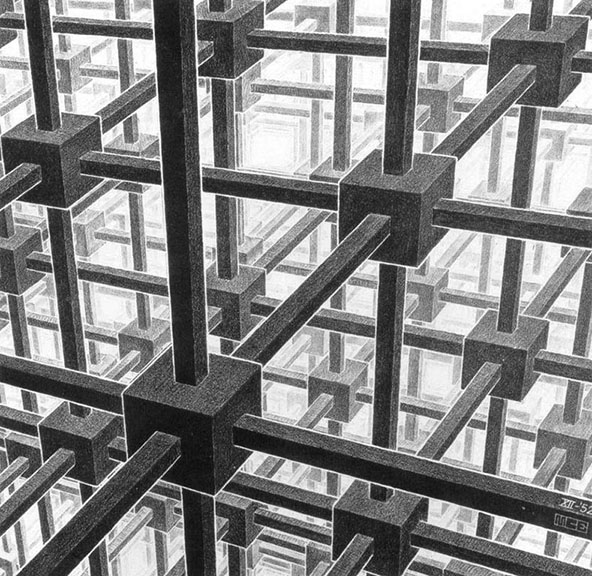
It all started out looking like that right there, and now it doesn’t anymore. And next, we will play with some of the other menus, just to see what happens with this simple drawing when we do.
And yes, you can find Escher prints just by going to Google Images.






 Pouring My Art Out
How long have you had that program?
You’re just learning that shit now!
hA
A. I don’t ‘have’ it, it is on the internet
B. I am teaching other people how to use it
OK! Teacher….
Would you like a golden apple?
Any golden fruit will do, thanks.
Reblogged this on crjen1958.