
Okay, we are nearing the end of my little Photoshop demonstrations. This time I picked a photo with some color. The I just picked random sub-menus under the Filter main menu, and then clicked on soee of the many choices in that menu.
Here is the original picture…
 Here it is with ‘distort’ and ‘ocean ripple’…
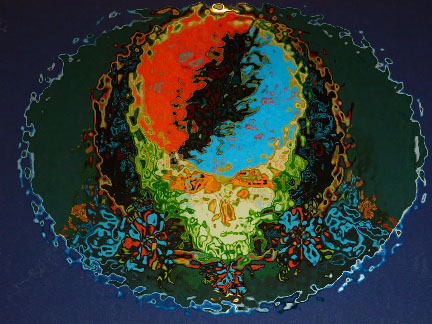 Or ‘distort’ and ‘ripple’…
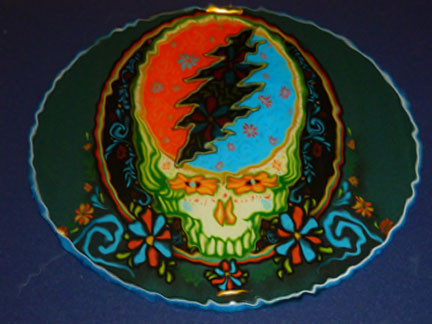 Or ‘sketch’ and ‘chrome’…
 Or ‘sketch’ and ‘bas relief’…
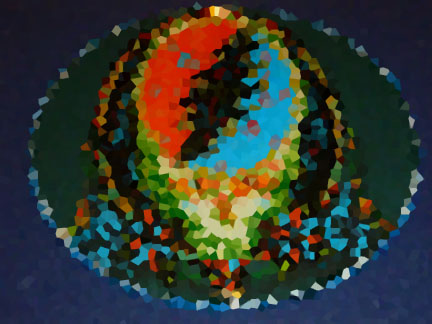
 How about ‘pixilate’ and crystallize?’…
 Or ‘texture’ and ‘craquelure’… whatever the heck that is…
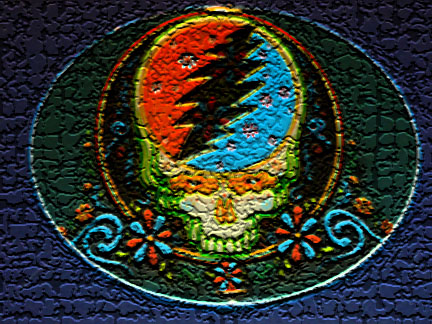 I still don’t know what it is, but it’s cool.
And finally, ‘brush strokes’ and ‘ink outlines’…






 Pouring My Art Out
i want a car
This ain’t Oprah or The Price Is Right.
well what’s with that?
I give everyone a free non polluting car in the novels, so simmer down.
that’s not the same…
Not in this universe maybe.
I would like a Mustang Shelby please burgundy would be good!
Let me know how that works out.
let me know when you get it for me and i’ll let you know how much i love it!
I am going to be getting that watercolor painting for you soon… ssshhhh
you are you are?? YAY!!! I mean shhhh *whispers* yay
And adding some black and silver… ha
i’m so excited!!
Me too.
I like distort and ripple….
Have you ever been distorted and rippled???
ha! have i ever not been is more the question..
Good point.
so whadrya sayin? lol
Why would I know what I am saying? It is for you to interpret my words and add meaning.
well that could be a problem..
Tell me about it.
LOL
So now that you know all about image manipulation, can you guess how I created my candelabra pic?
It looks like darken edges…
Nope.
I give up.
So what do I win?
A brand new candelabra…
But I could really use a convertible…
You can take the candles out…
But I can’t shove them up my Aston Martin because I don’t have one. That’s the problem.
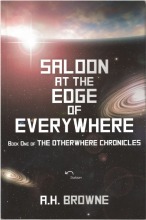
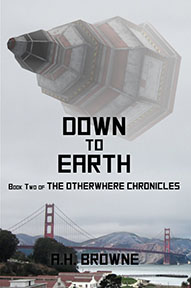
That is a problem all right, but I can’t give a car to everybody who can stump me with a question. That would be just about everybody. Although ironically, in the second of my sci-fi novel series, I do exactly that… what are the odds?
I’m going to have to backtrack to get the whole tutorial experience.
Or just enjoy the pretty pictures.