
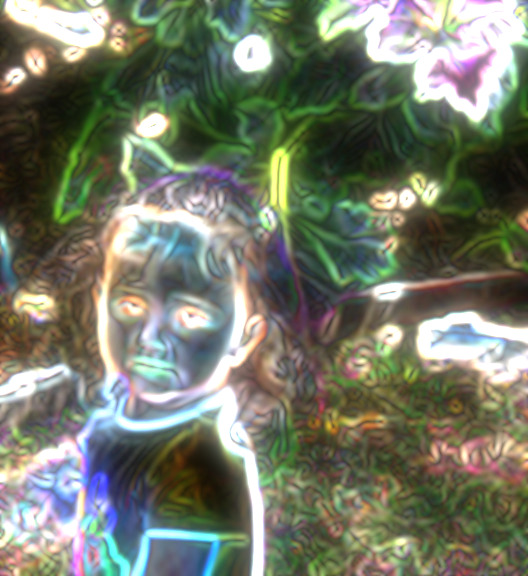
I know, right? You want to be able to take your photos and do that to them. And I am going to tell you how… and where… you can do it. It is totally free, and almost embarrassingly easy. Just get on the interwebs, and, in the search bar thing, type in: Lunapic.com. I think it will add the www stuff all by itself. Then, when you get to Lunapic, use the big ‘Browse’ button… located in the big photo, over to the right, to open any photo you want to use. (Remember, it does work better if the photo isn’t too large of a file)… Now that picture up there, I actually had to use two steps to achieve.
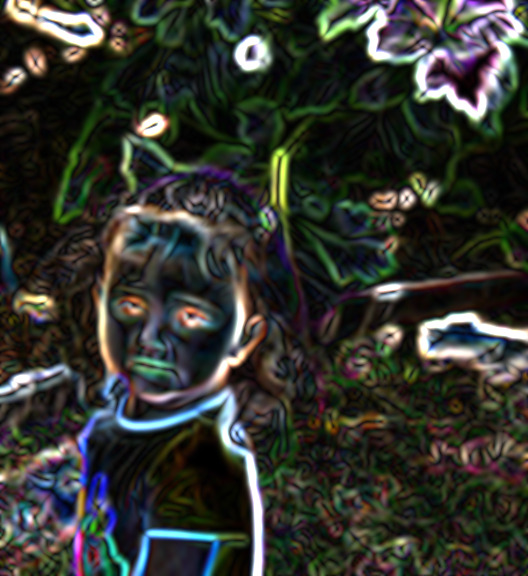
Here is the first version I did. It is under the ‘Filters’ menu, and it is called: ‘Neon’. After I used the neon filter on the photo, I noticed that there was an option, above the picture, to ‘maker it glow’. So I did.

There is the ‘Thermal Flair’ filter. That one came out pretty nice. Not each kind of picture will look awesome with every kind of filter.

The ‘Negative’ filter made Olivia look kind of creepy. So just play around with the filters, and when you like the way a picture turns out, hit the blue word ‘save’ under the photo, and it will let you save the picture.
But this isn’t all you can do. Not only are there filters, but there are other magical changes you can make to photos, and we will play with those in the next post.






 Pouring My Art Out